



Guides & Workflows / Behind the scenes
The WoW Classic Alliance stinger transition
Behind the scenes A WoW Classic stinger transition for the Alliance side: the lion as vectors in Illustrator, the Photoshop work and the animation.
Published on Oct. 24, 2026 · 1 min read
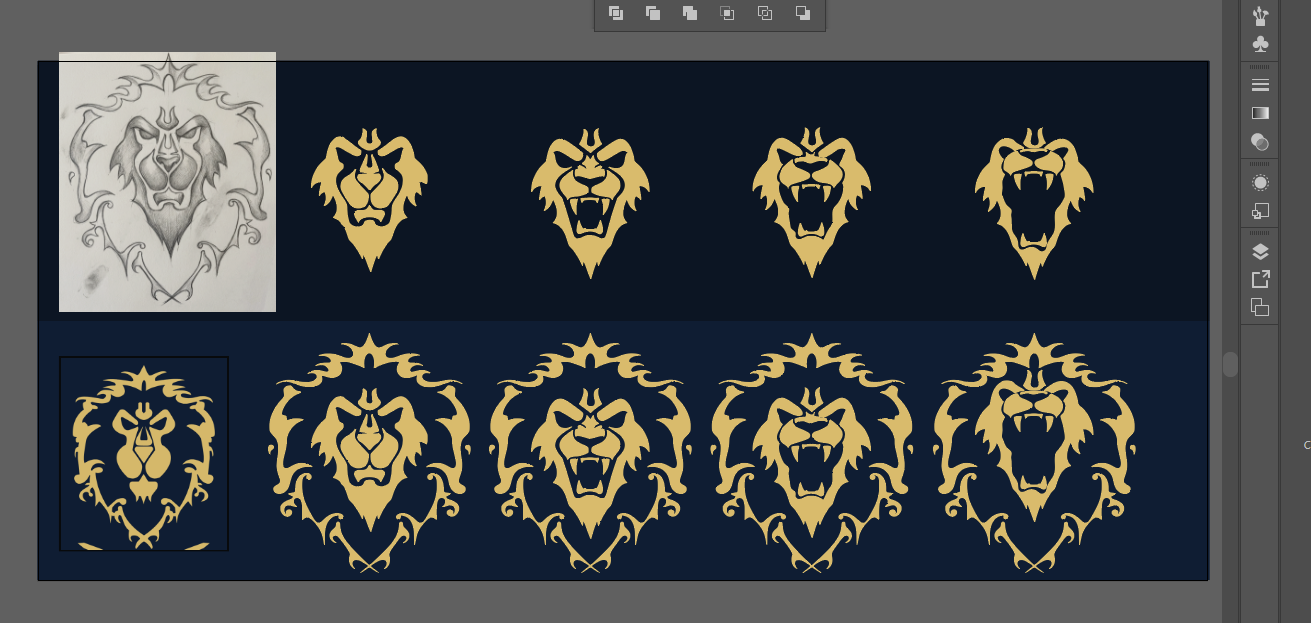
It all starts in Illustrator
The first job is to create the vectors. A quick little drawing to redo the lion, to make opening its mouth easier later, because the official lion was a bit too tricky for me (the lower jaw and the chin are the same shape).
Then on to Photoshop
Here are the steps: 1) the vector alone, straight from Illustrator, then 2) the work on the layer effects to give it a real golden relief (something I've mastered over the years :D). To finish, 3) I paint the gradients with a super basic brush, add textures and a blue shadow so it stands out on the curtain.
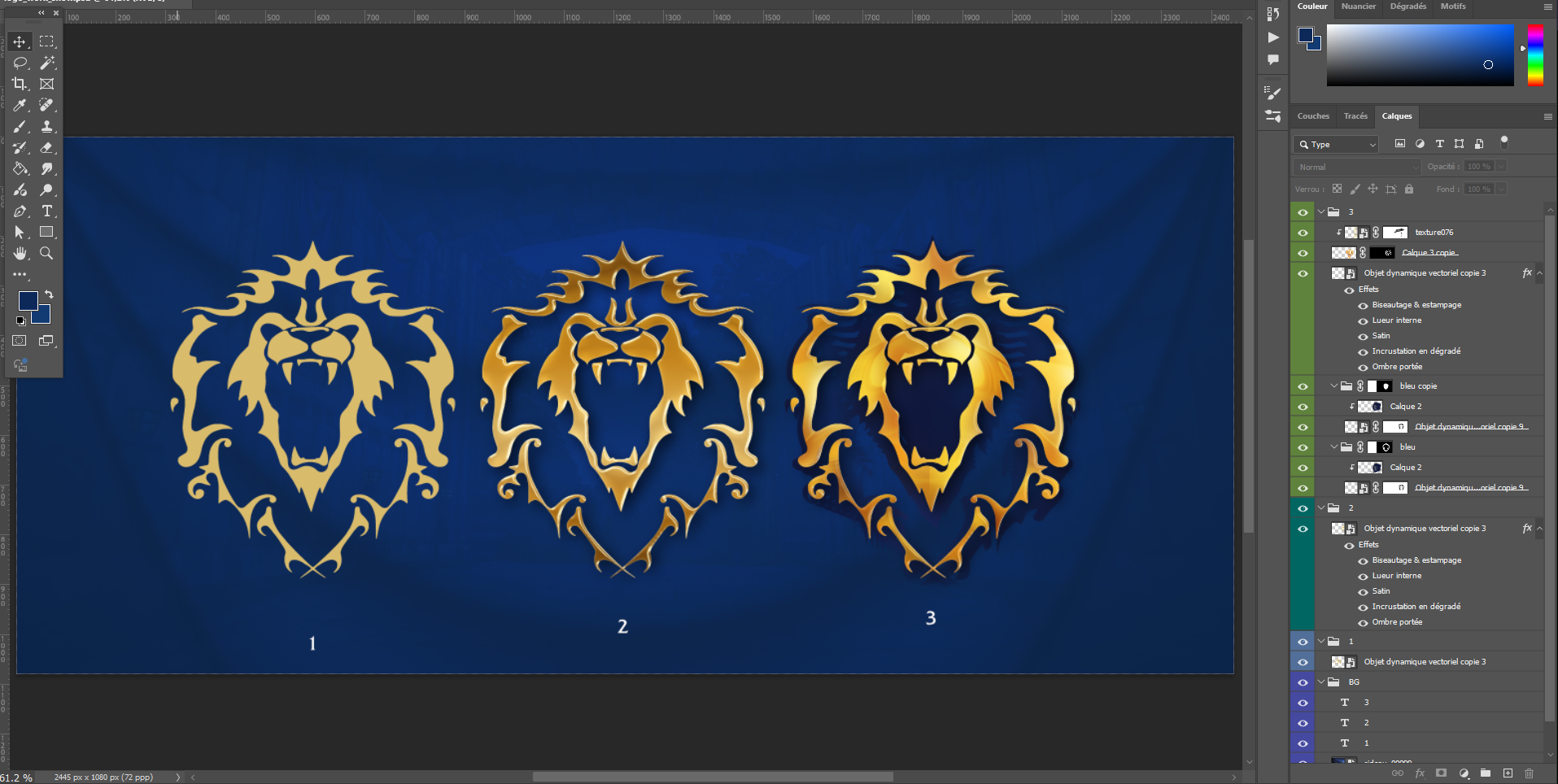
1: vector only · 2: layer effects · 3: gradients, textures and blue shadow
And finally After Effects
All that's left is to animate it, and to be honest, it's not the hardest part when the layers are well prepared in Photoshop!
The result
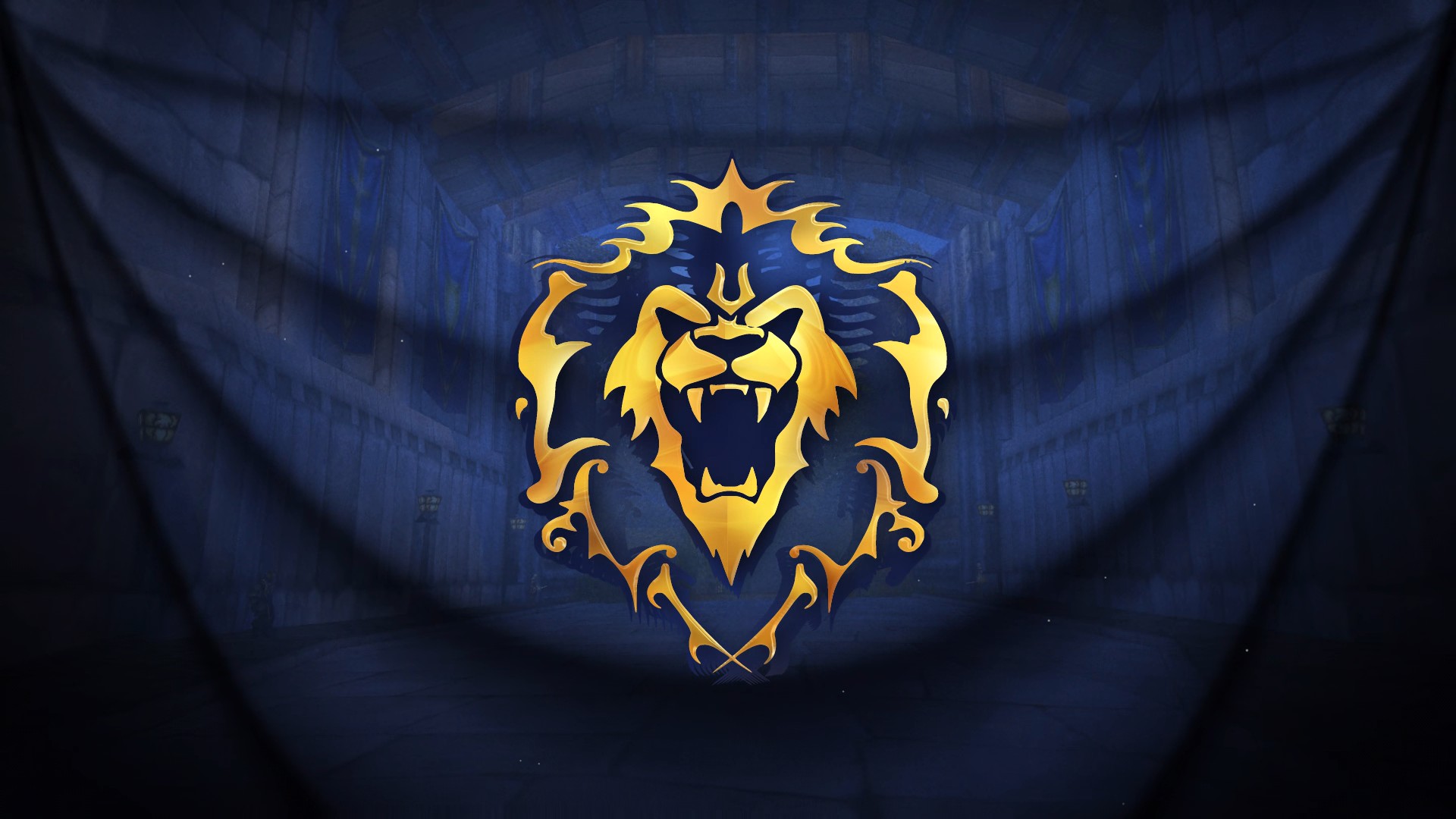
A blue curtain falls, the Alliance logo roars, then the curtain rises on your new scene.
The result is available for €10 in my shop: https://ladyoverlays.com/themes/wow-classic-ally/stinger-transition/
To install it easily, read the guide: https://ladyoverlays.com/guides/installer-stinger-transition-obs-streamlabs/