



Guides & Workflows / Behind the scenes
The WoW Classic Horde talk scene
Behind the scenes How I made the animated WoW Classic Horde Just Chatting scene for Twitch: an Orgrimmar screenshot turned to night in Photoshop, Horde flags and an After Effects animation.
Published on Oct. 28, 2026 · 1 min read
The idea
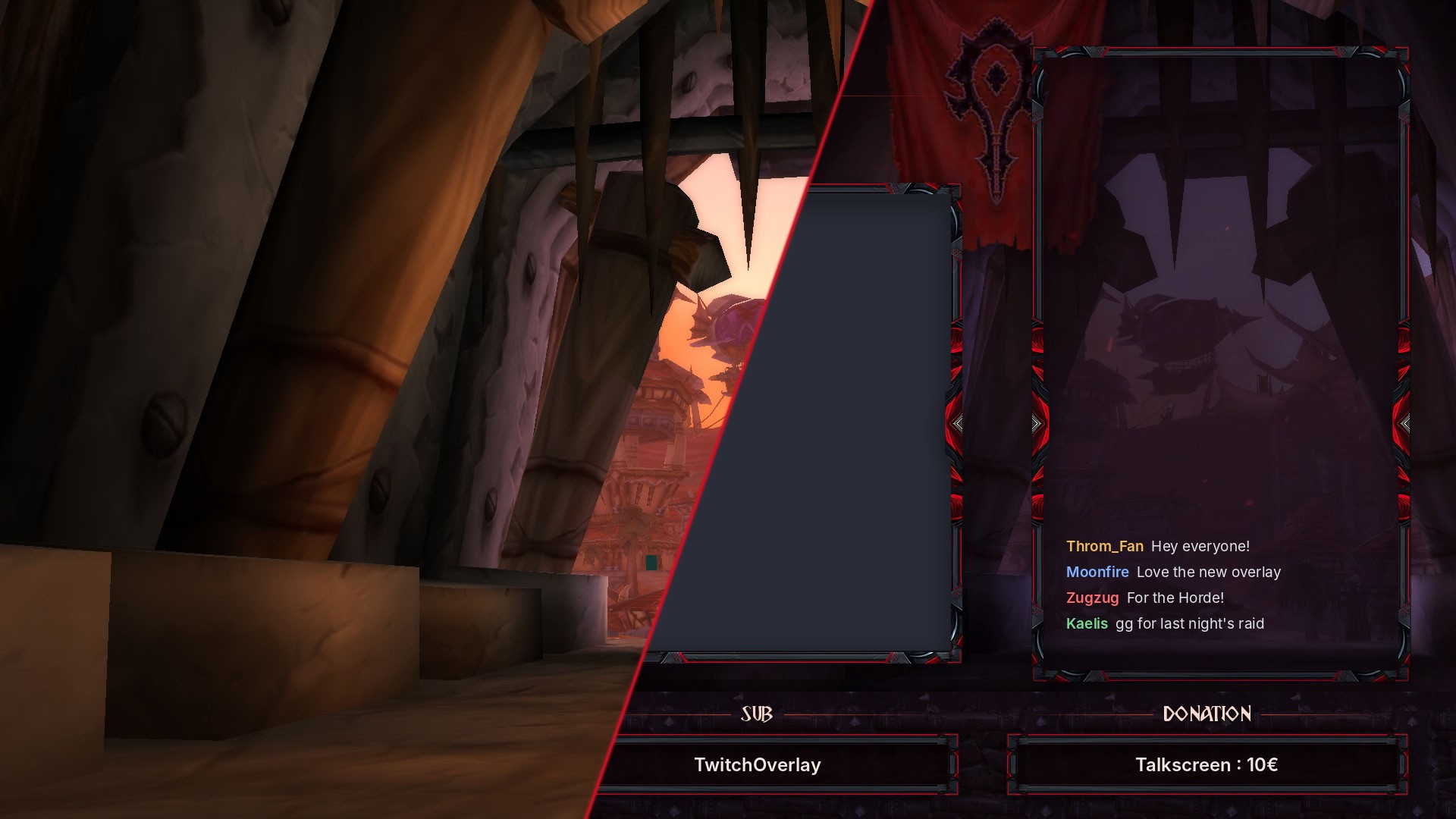
The WoW Classic Horde pack needed a talk scene. I started from a screenshot taken at the entrance of Orgrimmar, with the zeppelin in the background!
Then on to Photoshop
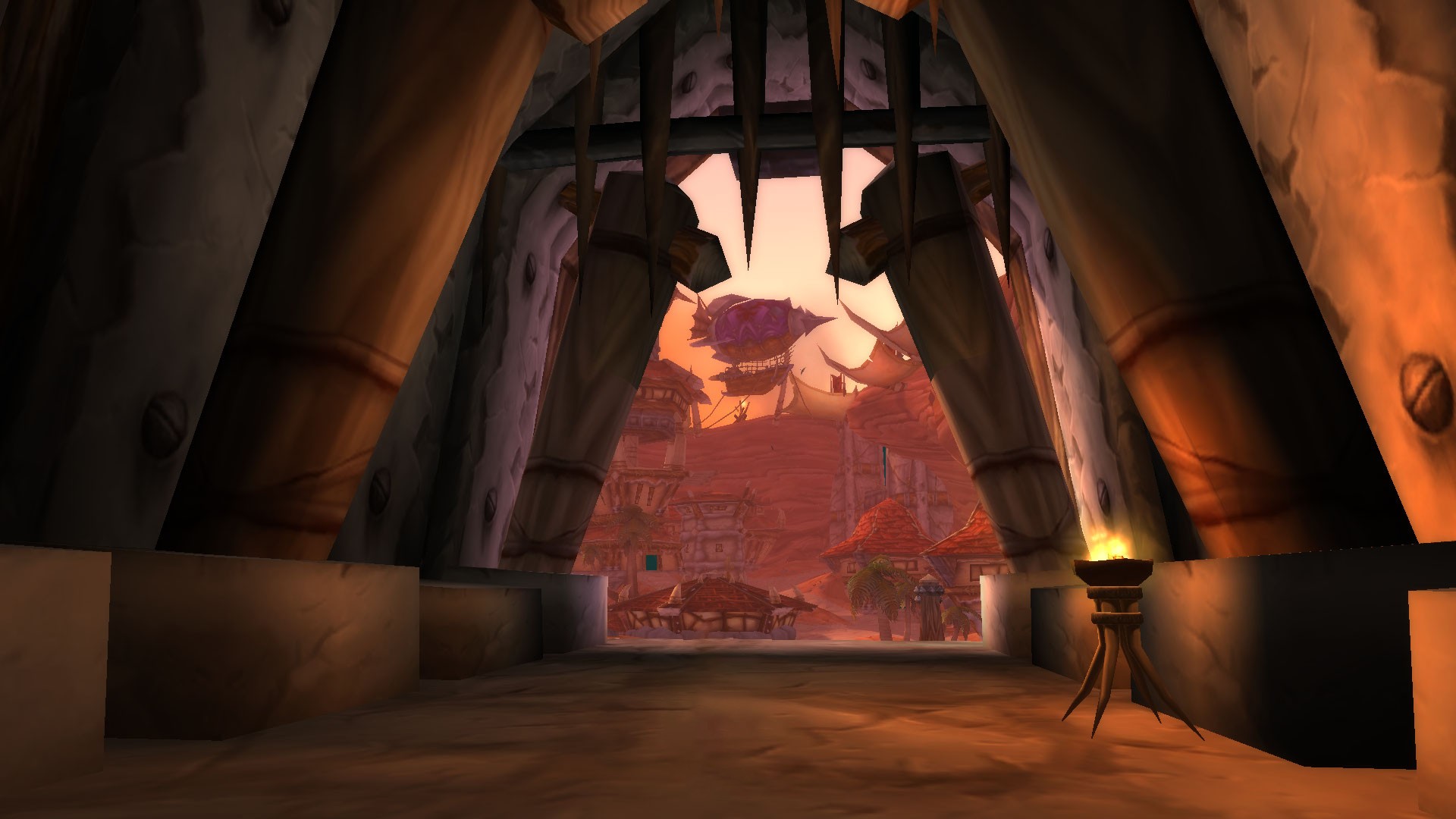
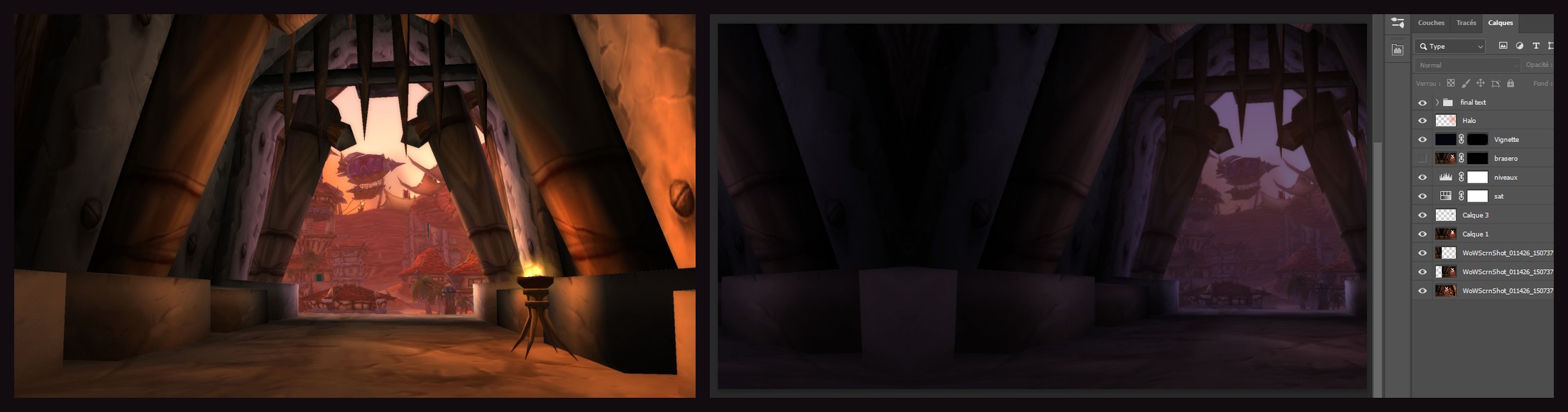
I shifted the image and filled in the left side with the same image, duplicated and mirrored (sometimes there's no need to overcomplicate things! :D)
Then I turned the scene to night by lowering the saturation. A Levels layer darkens the image and pushes it toward blue, a vignette darkens the edges and a glow lights up the sky behind the gate.
The Horde flags
The flags come from another screenshot. I cut them out, straightened them, shortened them and gave them night colors, then placed them on both sides of the webcam.
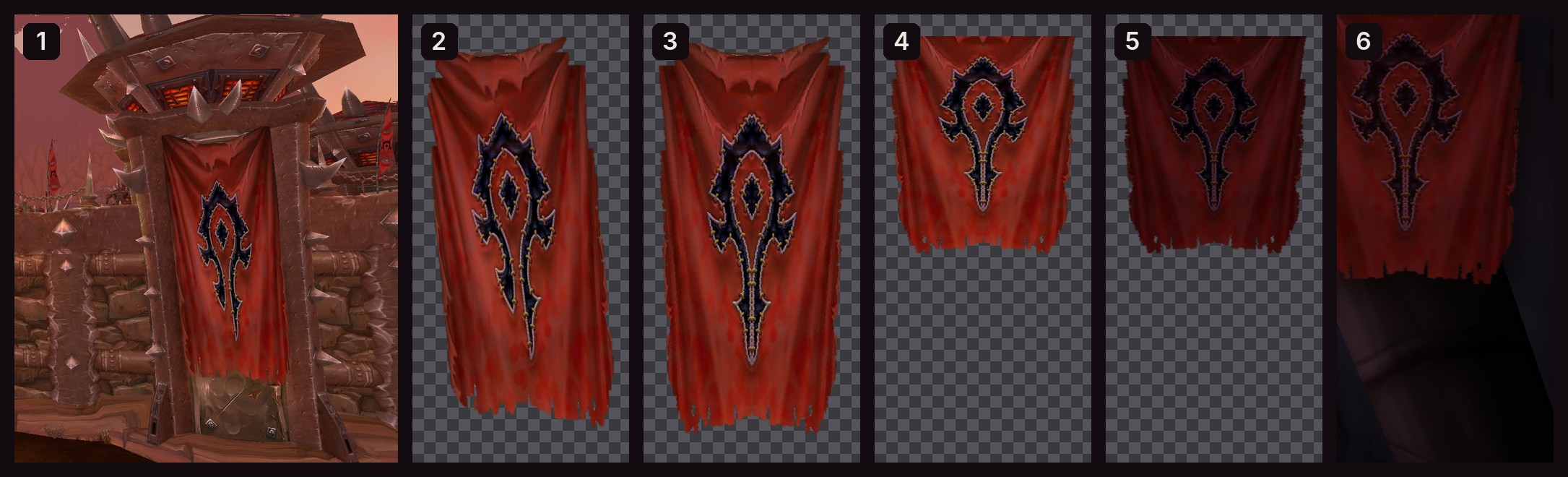
1: source screenshot, 2: cut out, 3: straightened and symmetrical, 4: shortened, 5: night colors, 6: in place.
And finally After Effects
In After Effects, I cut out the zeppelin and repainted the sky behind it. Then I animated it with the Puppet Pin tool: two pins move the zeppelin, and three others hold the rest in place.
The result
And here is the final scene, animated in After Effects!
The result is available for €10 in my shop: https://ladyoverlays.com/themes/wow-classic-horde/