



Guides & Workflows / Behind the scenes
The WoW Forever starting screen for Icekei's LAN
Behind the scenes An animated WoW Forever starting screen for Icekei's Twitch LAN: the idea, the layers, the OBS timer and the result on video.
Published on Oct. 25, 2026 · 2 min read
The order
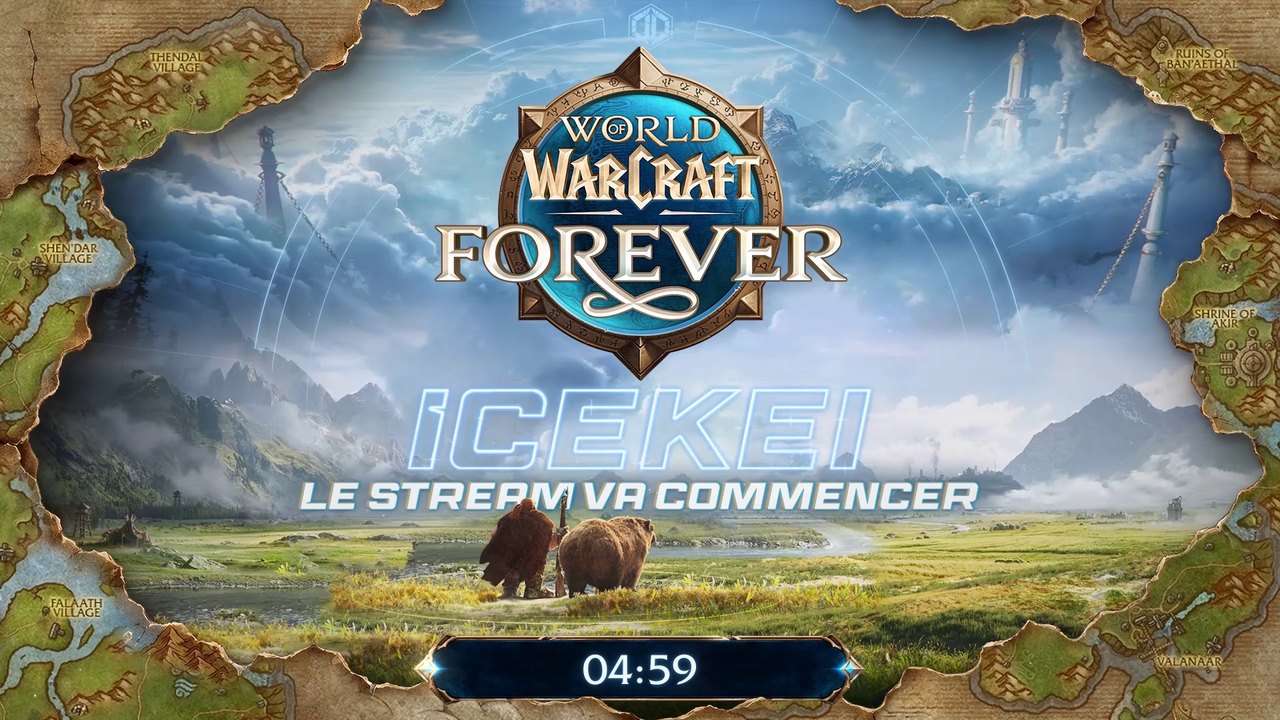
Icekei is hosting a WoW Forever LAN on November 5, 2026 and ordered his starting screen from me. He's a regular client: no drafts, he discovers my idea once it's finished! His only request: a 30-minute timer.
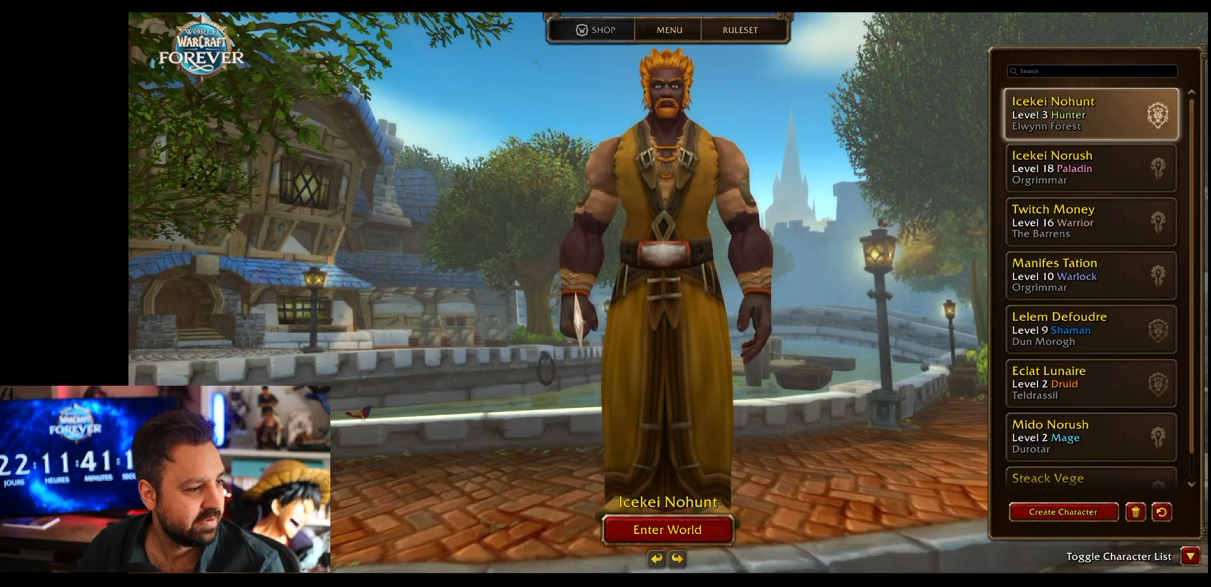
His Twitch channel: twitch.tv/icekei
The idea of the scene
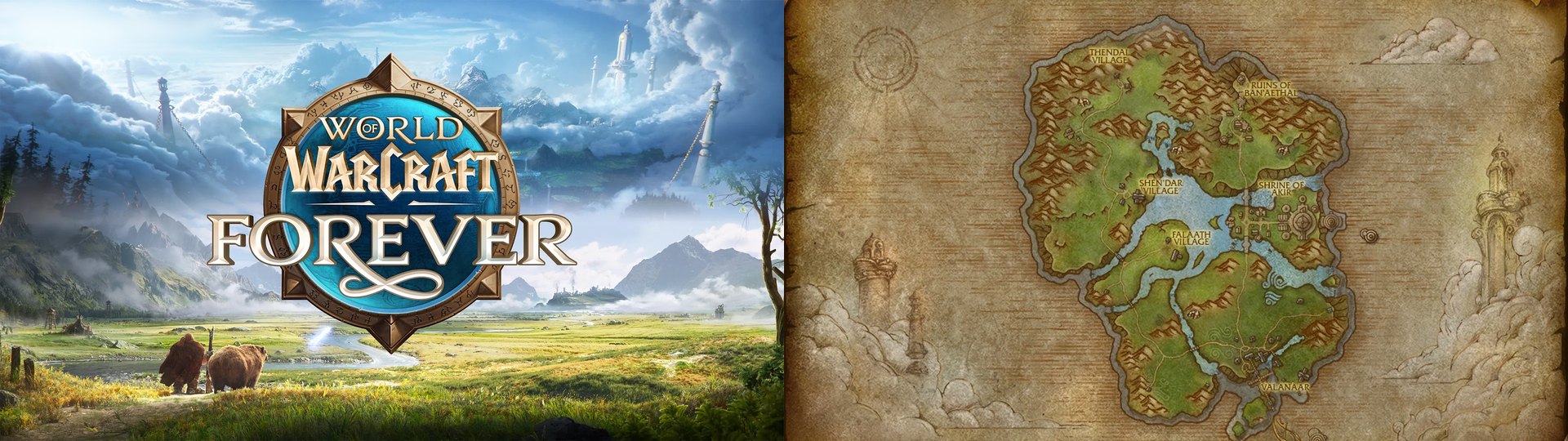
Two very telling pictures: a wallpaper everyone recognizes, already seen during the game's reveal, and the map of a new zone, which I found in good quality. That's when I had the idea to create depth with torn pieces of map, placed on the edges with a nice drop shadow.
I was on his stream during the vote: the majority voted, the community will play on the Alliance side. I kept it in mind while thinking about the scene. For a Horde streamer, I wouldn't have made this choice.
Choosing the logo for the scene
I decide to move the game's logo and make it smaller, but to keep it, because a viewer who drops in must understand in one second which game it is!
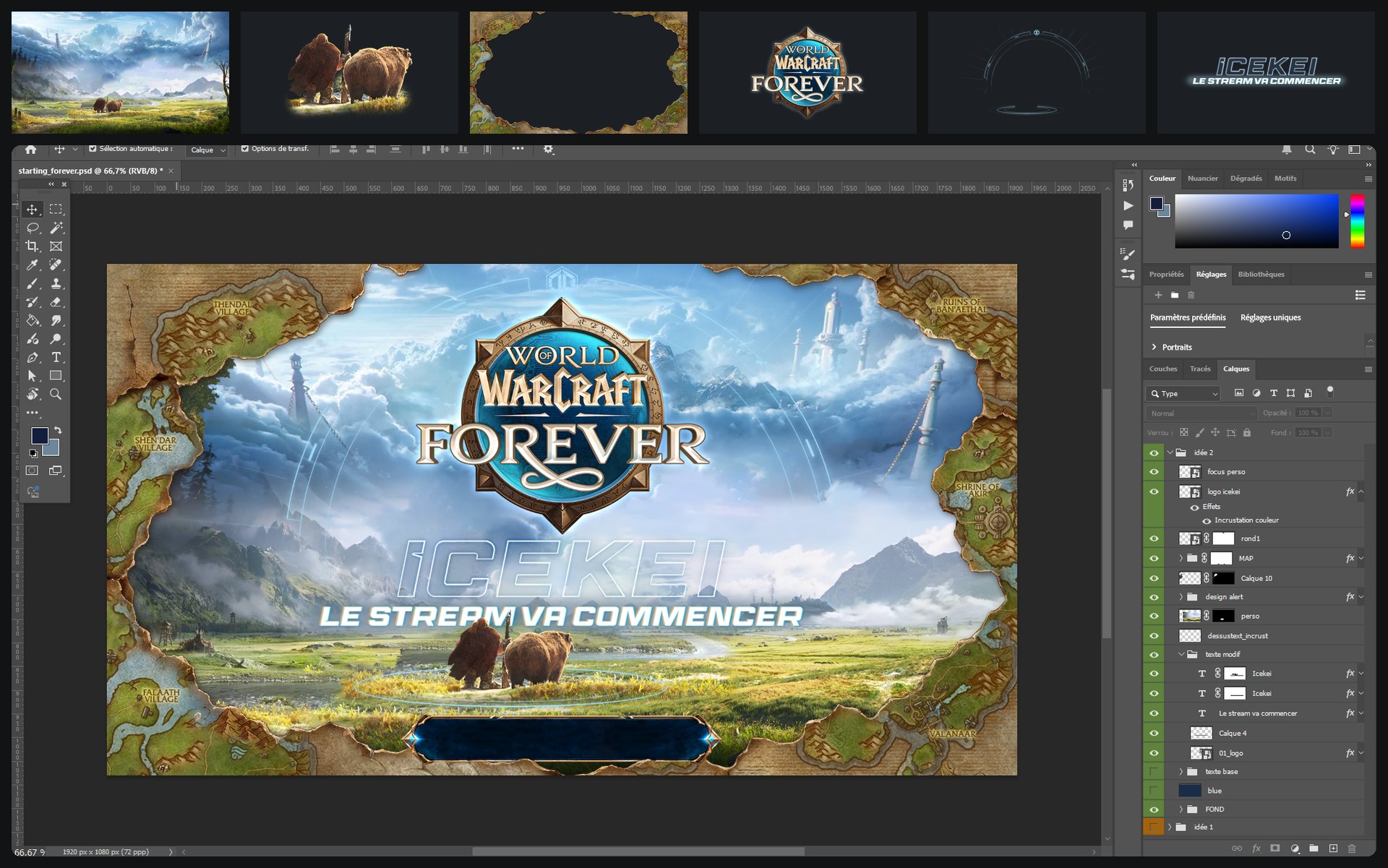
Most of the work happens in Photoshop
Every element is designed, prepared then separated in Photoshop, to finally be animated in After Effects.
A separate timer
Instead of building the timer right into the scene, as I often do for clients who ask for 5 minutes, I chose to make it separately. Icekei wanted 30 minutes, and the scene would have weighed at least 10 GB in good quality. So the scene stays a short loop, and the timer is added in OBS as an HTML browser source. Super light!
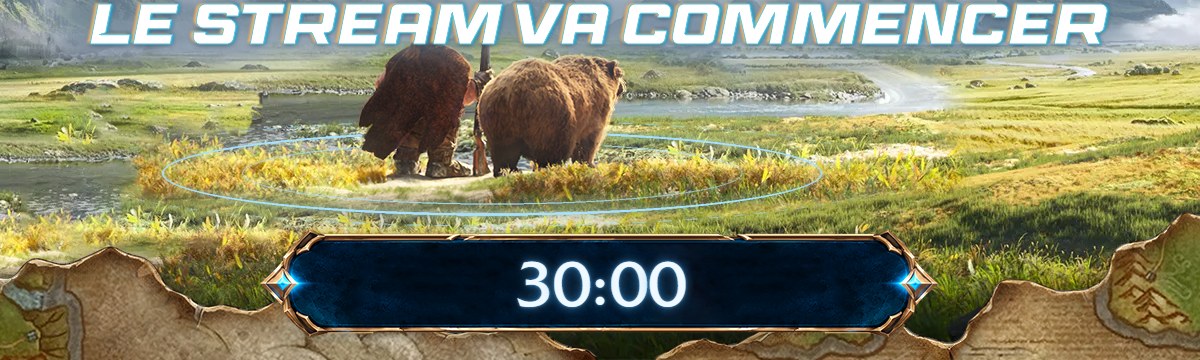
The result
I sent it to Icekei: he really liked the idea, it's approved! As always :D
He's now asking me for an ending screen, here we go!